
View360
Turn locations into immersive experiences: View360 lets users explore 360° panoramas directly on your professional touchscreen. By simply swiping, visitors look around a space from any angle and discover it at their own pace – ideal for real estate, tourism, showrooms, architecture and museums. Interactive buttons enrich the panorama with additional content, and the integrated in-app editor lets you configure everything without any programming skills.
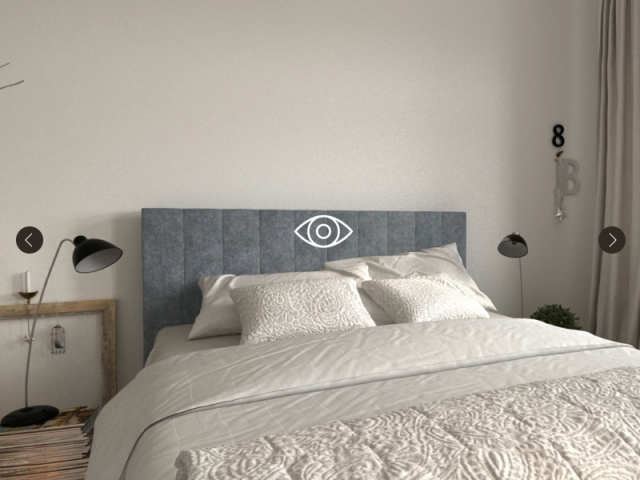
Interactive 360° panoramas
Explore panoramas from every angle with a simple swipe. Users navigate intuitively within the digital space and experience locations and architectural environments as if they were on site.
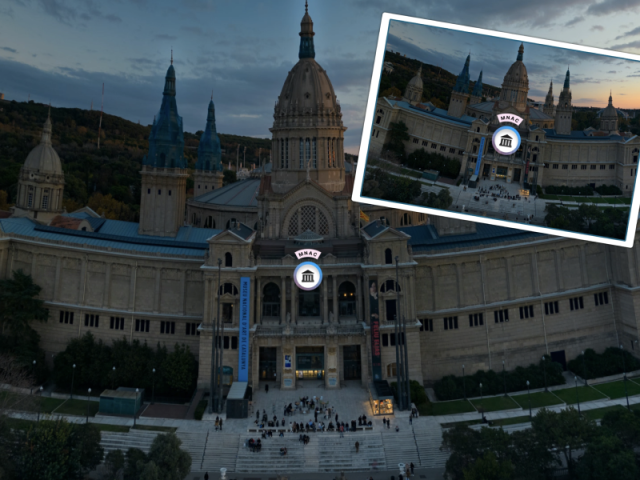
Window & fullscreen mode
Display each panorama flexibly – either in a window alongside other content or in fullscreen for a fully immersive viewing experience.
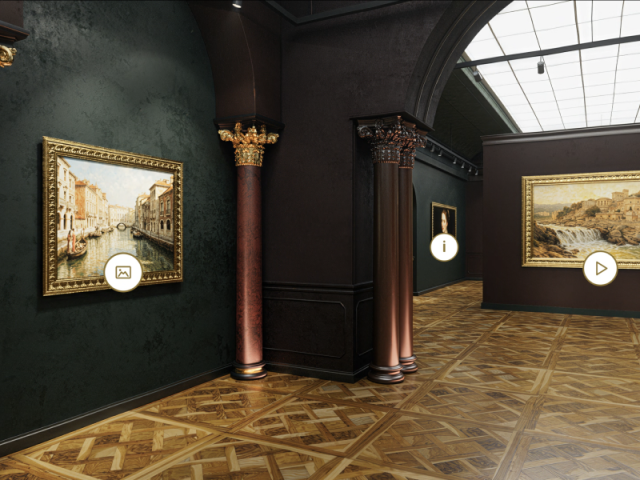
Customizable buttons
Place freely definable buttons within the panorama to embed additional content or interactive elements exactly where you want them.
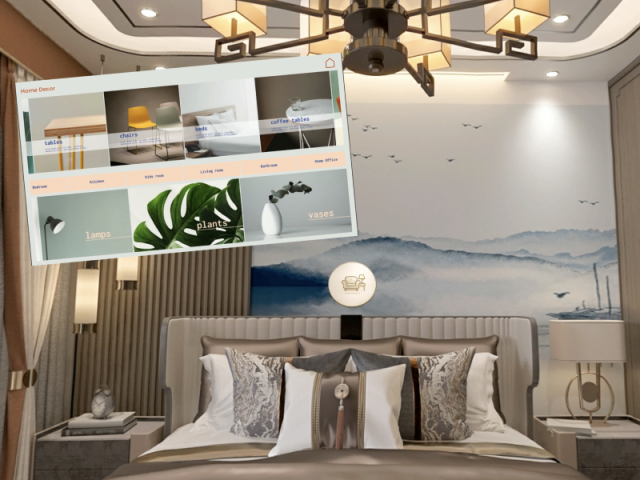
View function
Buttons can open other modules within the project, enabling seamless integration with other apps in the eyefactive ecosystem – for example a ShoppingAssistant or MediaBrowser launched directly from a point of interest in the panorama.
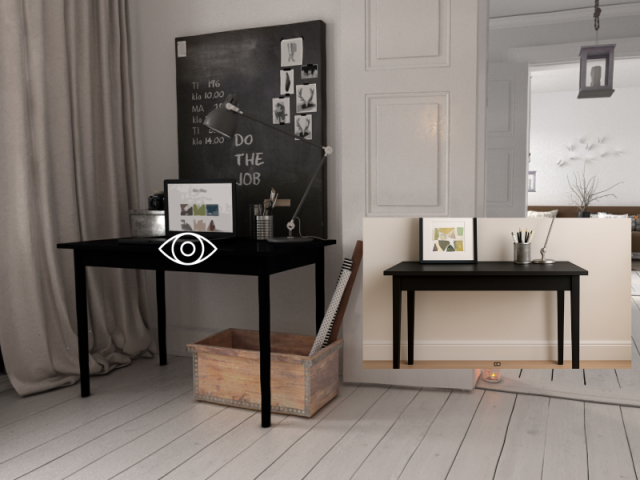
Auto rotate
The panorama can rotate automatically when idle, drawing attention with continuous movement and inviting visitors to step in and start interacting – perfect for passive environments like exhibitions or shop windows.
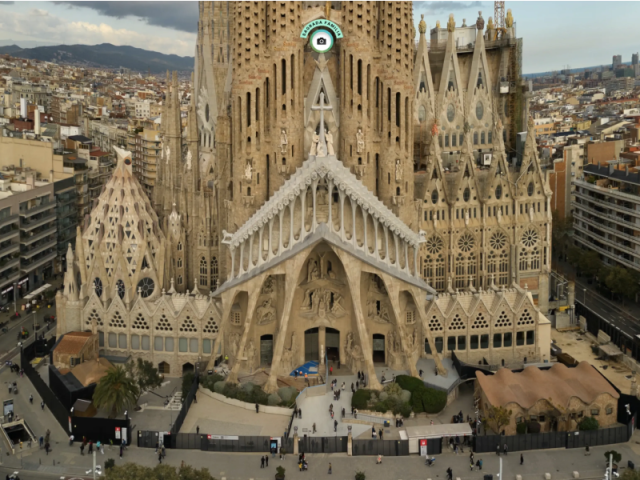
Defined starting view
Set an individual starting view that precisely limits the visible image section and viewing angle, so every session begins exactly where you want the focus to be.
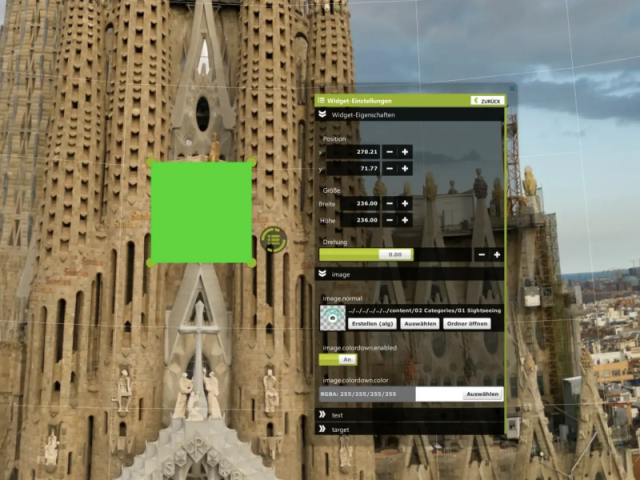
In-app editor
The integrated in-app editor allows you to adjust and configure all content directly within the application, with a live preview for precise placement of interactive elements.
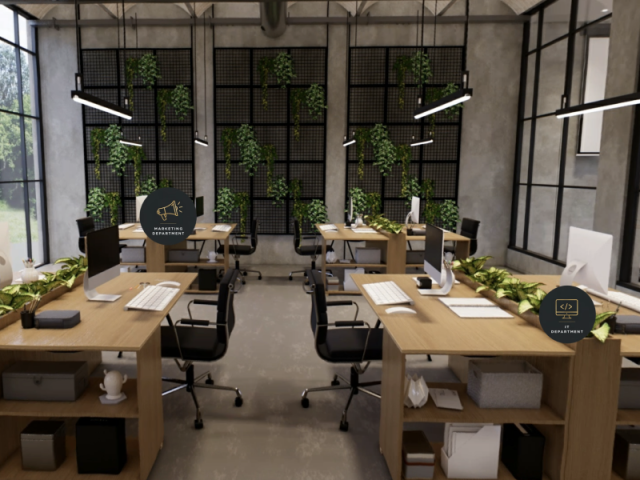
Individual design
Adapt View360 to your corporate design – from your own 360° panoramas to individually styled buttons, icons and branding, everything is customizable via CMS and in-app editor. No programming skills required.

Latest App-Version
Version: 1.1.0.2
Licenses / Prices
Please find all information about our license model here.
from 69€ / Month
Free Demo
Categories / Tags
Click on category to find more apps:
Common App Features
All apps have the following features among others:
-
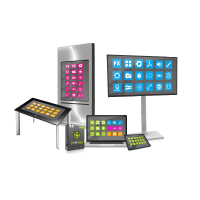
Cross-Platform
Use apps on all touch screens, tables, kiosk terminals and videowalls, in all formats and resolutions.
-

Multi-Touch
Control apps, widgets and media elements easily with intuitive touch gestures - like on your smartphone.
-

Multi-User
Open different apps in windows - or in fullscreen together with multiple users simultaneously.
-
Your own contents & designs
Transform your products and brands into exciting interactive software solutions - in your corporate design.
-

Cloud Management
Online cloud distribution and management of apps, content and systems.
-

High Performance
Smooth operation on large-scale touchscreens in HD, UHD or other resolutions.
Similar Apps
Further apps from this category:

Multimedia
Team/Office
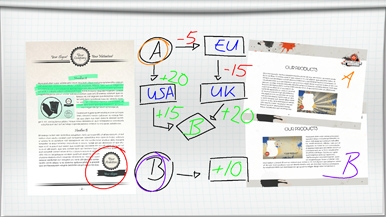
Whiteboard
With your team you create digital collages with annotations on multimedia content with this smart interactive multiuser whiteboard app.
Zur App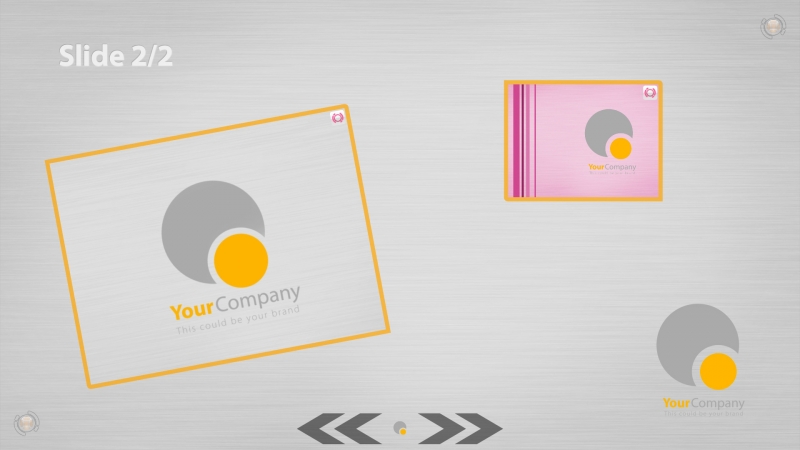

Multimedia
Team/Office
SlidePresenter
Present your information in a multimedia and interactive way on several slides that you change with one hand movement.
Zur App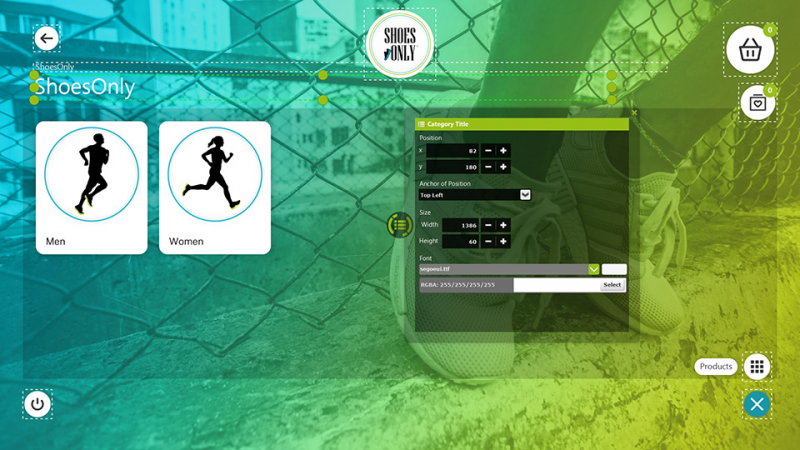

Multimedia
ShoppingAssistant
Offer your customers an interactive shopping experience at the point of sale: With the virtual omni-channel product guide you can combine online and offline and present your complete product catalog in an innovative way.
Zur App